
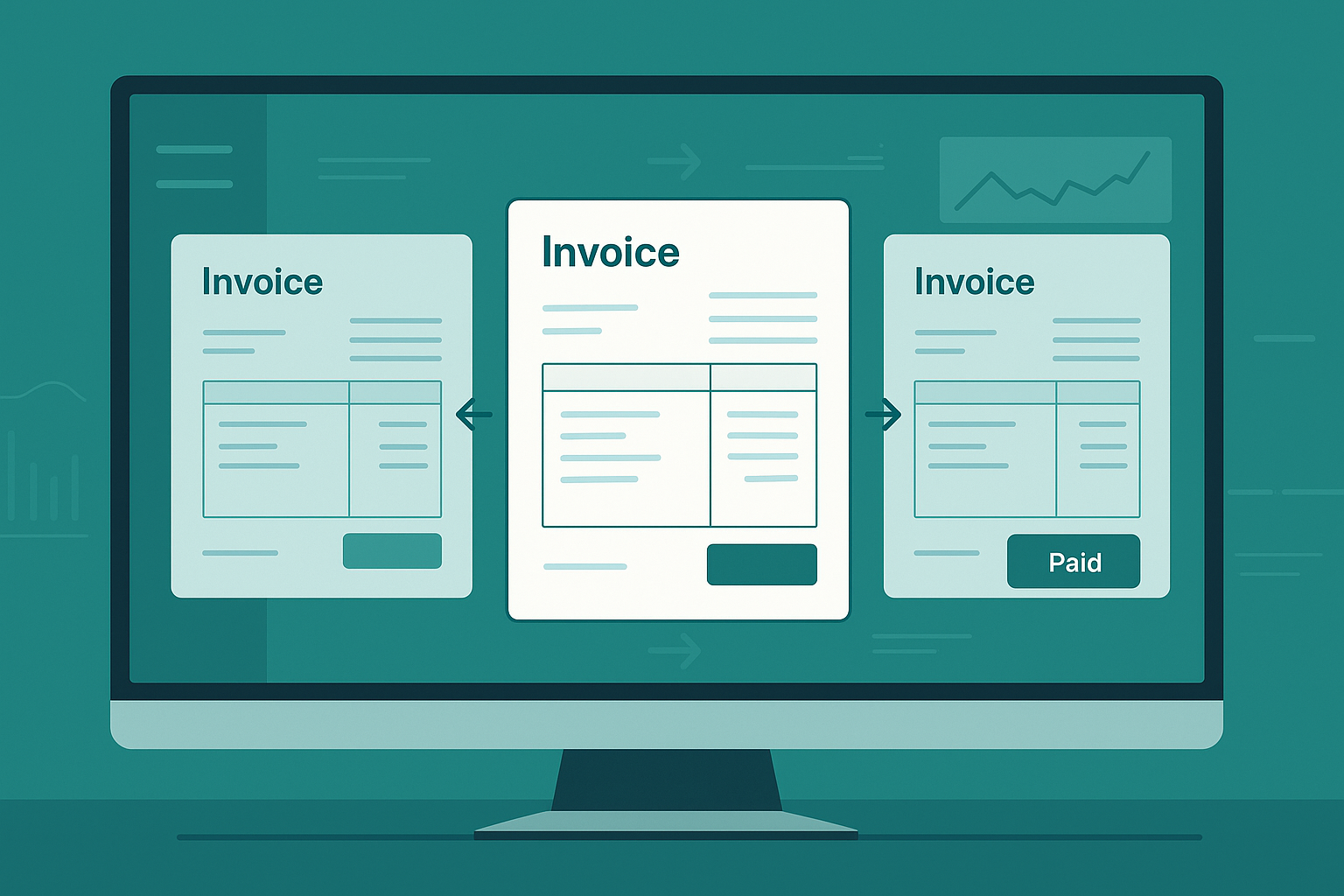
If you’ve ever filtered a list of invoices—by vendor, amount, or status—only to lose your place the second you open one, you’re not alone. AP teams lose time (and sanity) when they have to constantly backtrack just to keep reviewing a batch. That’s why Centime’s Document Viewer now keeps your filtered list static, letting you scroll through invoices in sequence without reapplying filters.
This feature unlocks a smoother, faster, and more focused workflow—especially when working through high-volume reviews or vendor-specific batches.
🔍 What This Feature Solves
Before this update, reviewing invoices meant opening one, losing your filtered context, and then having to recreate your list all over again. It was a broken loop—especially frustrating for controllers or AP managers tackling 40+ invoices at a time.
Now? You filter once. Then flow through that exact list inside the Document Viewer—arrow by arrow, invoice by invoice.
✅ No more re-filtering
✅ No more flipping between tabs
✅ No more losing your place
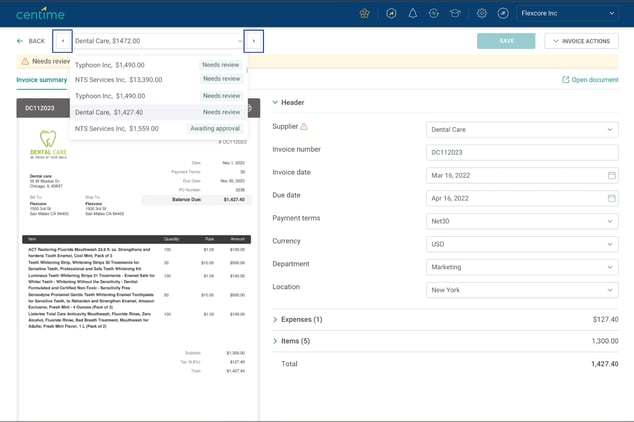
Your filtered list becomes your scrollable navigation inside the Document Viewer
🧭 How It Works — Step-by-Step
- Apply your filters in the Documents tab (by supplier, amount, invoice status, etc.)
- Open any invoice from that list.
- The Document Viewer now shows that filtered list as a dropdown at the top.
- Use the left/right arrows to move through invoices in order.
- Make edits, approvals, or status updates as needed—changes reflect in real time.
- The list remains static until you close the viewer.
It’s like playlist mode for invoices.
See Centime in action
Our innovative AR, AP and business banking solutions are powerful alone, and even better together.
Schedule a tailored demo with a Centime expert.
💡 When This Workflow Shines
This isn’t just about convenience—it’s about enabling real productivity in high-stakes scenarios:
- Vendor-specific review sessions (e.g., filtering by “Acme Co.” to resolve multiple outstanding items)
- Bulk invoice approvals across subsidiaries or departments
- Controllers reviewing $10K+ invoices at month-end close
- Batch posting for NetSuite users who need to track status changes mid-review
Instead of losing mental context between invoices, users can stay locked into a single flow—making faster, more accurate decisions.
⚡ Real User Feedback
“I used to keep 10 tabs open so I wouldn’t lose my filters. Now I just use the arrows and breeze through my list. Total time-saver.”
— Controller, Healthcare Company (NetSuite user)
🏁 Try It Today
This feature is live now for all Centime AP users. Next time you’re reviewing invoices, try filtering first and see how much smoother the experience feels.